Cars
Car Transport
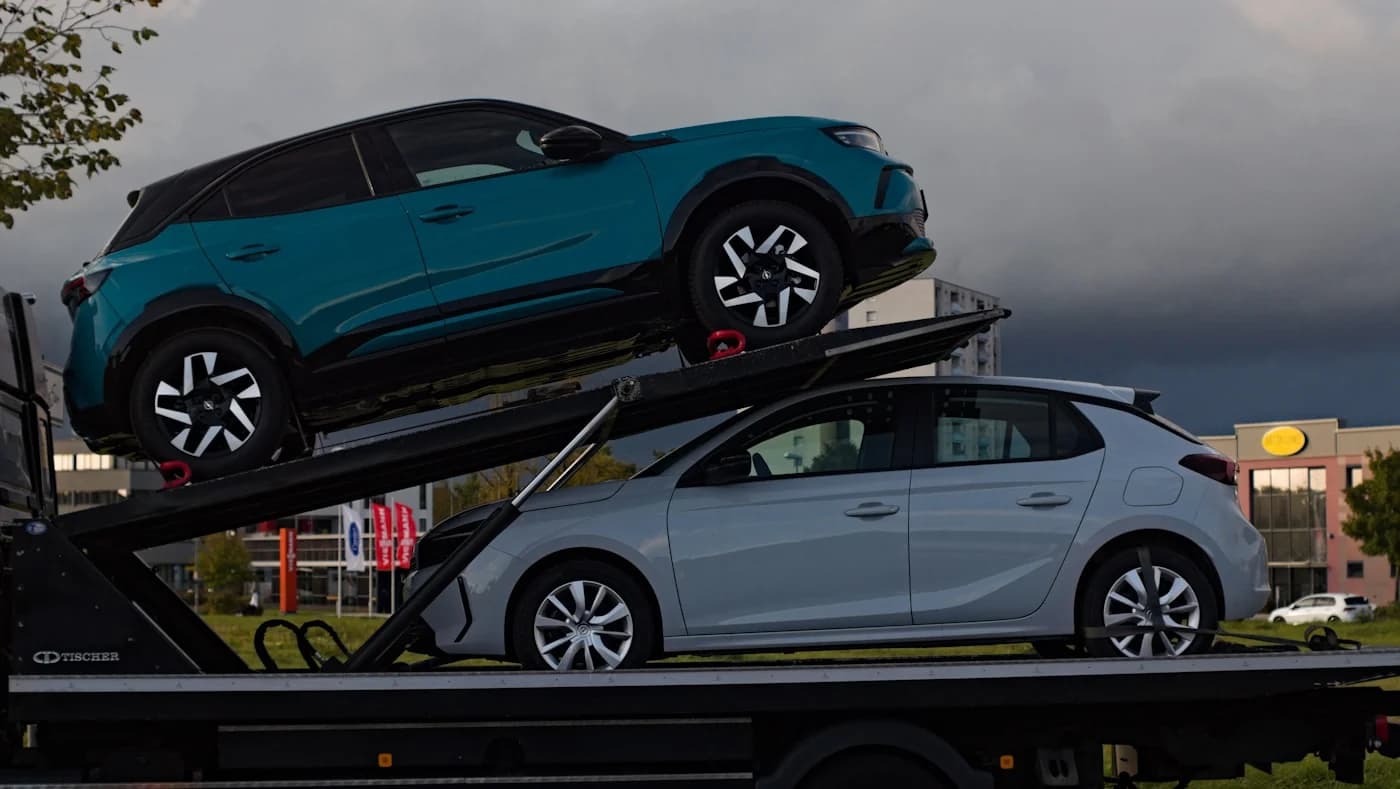
Ship cars, SUVs, trucks, classic vehicles, luxury vehicles, and non-running vehicles.

Tell us what you need moved, receive transport quotes, compare options, message providers, and choose the quote that works for your route.
Start a quote request
Choose a category and route to begin.
Review company details before booking.
Ask questions before choosing a quote.
Keep pickup and delivery details organized.
Manage quotes, messages, and updates together.
Transport categories
Start with the category that best matches your shipment. Each service page connects back to the existing quote request flow.
Ship cars, SUVs, trucks, classic vehicles, luxury vehicles, and non-running vehicles.
Learn More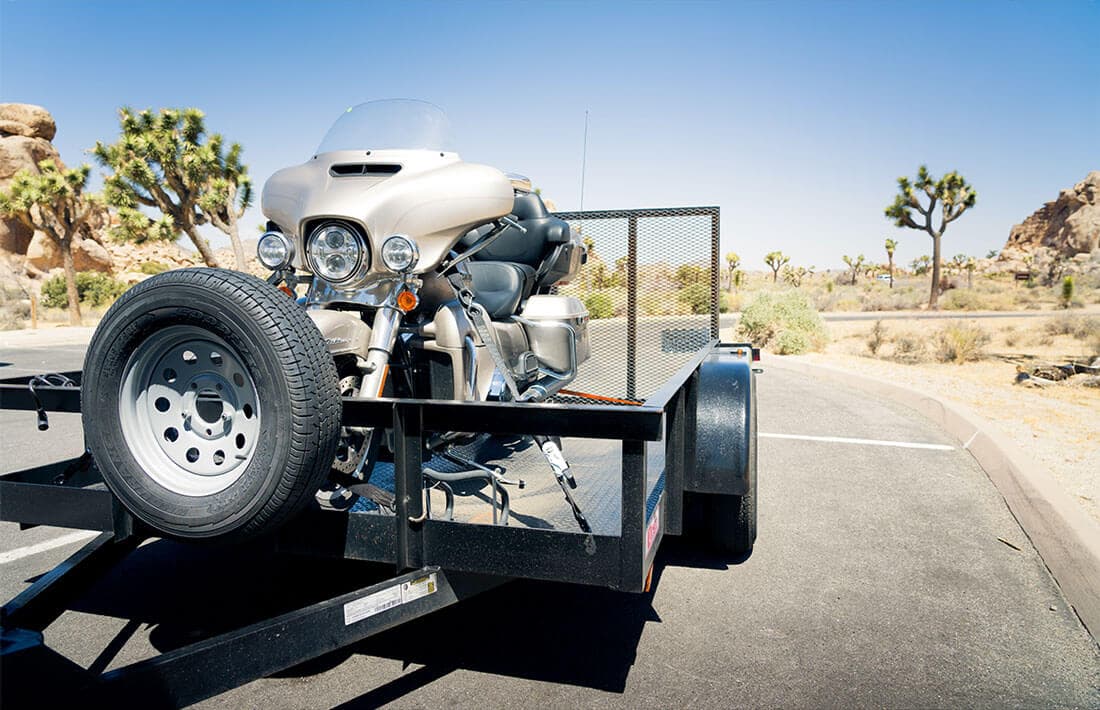
Move motorcycles, scooters, touring bikes, custom bikes, and non-running motorcycles.
Learn More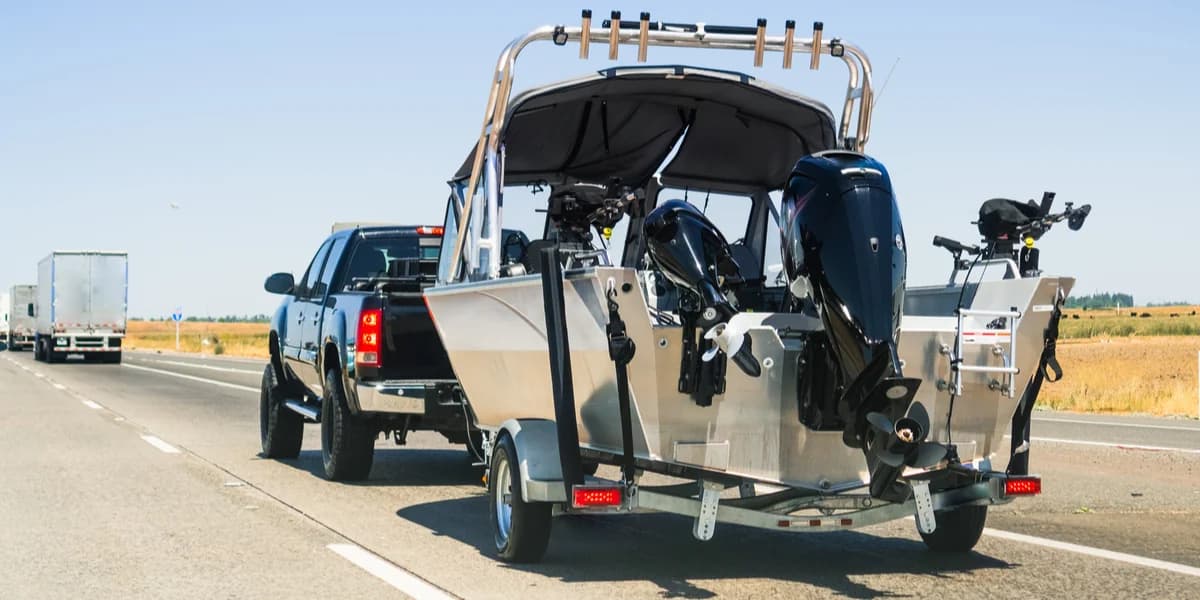
Transport boats, personal watercraft, and trailerable vessels with clear route and dimension details.
Learn More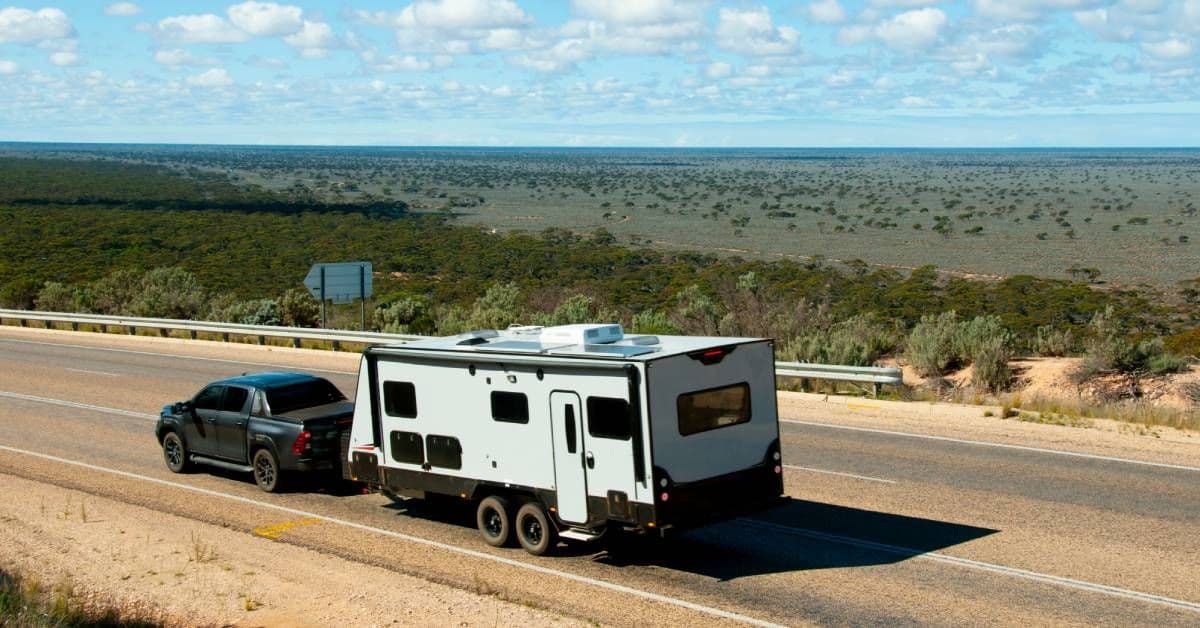
Move RVs, campers, travel trailers, fifth wheels, and motorhomes.
Learn More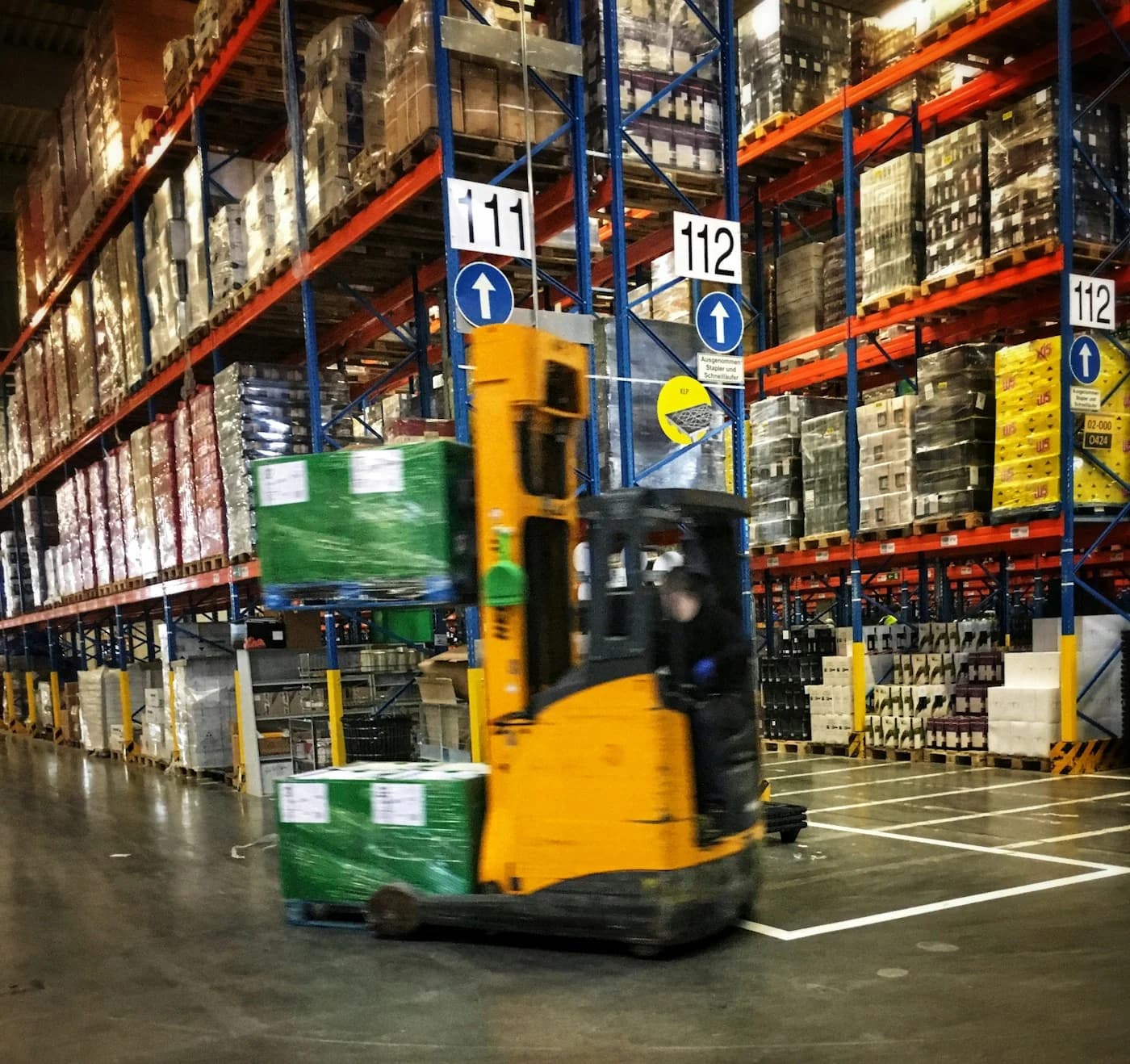
Transport commercial freight, palletized goods, crates, boxed freight, and equipment.
Learn More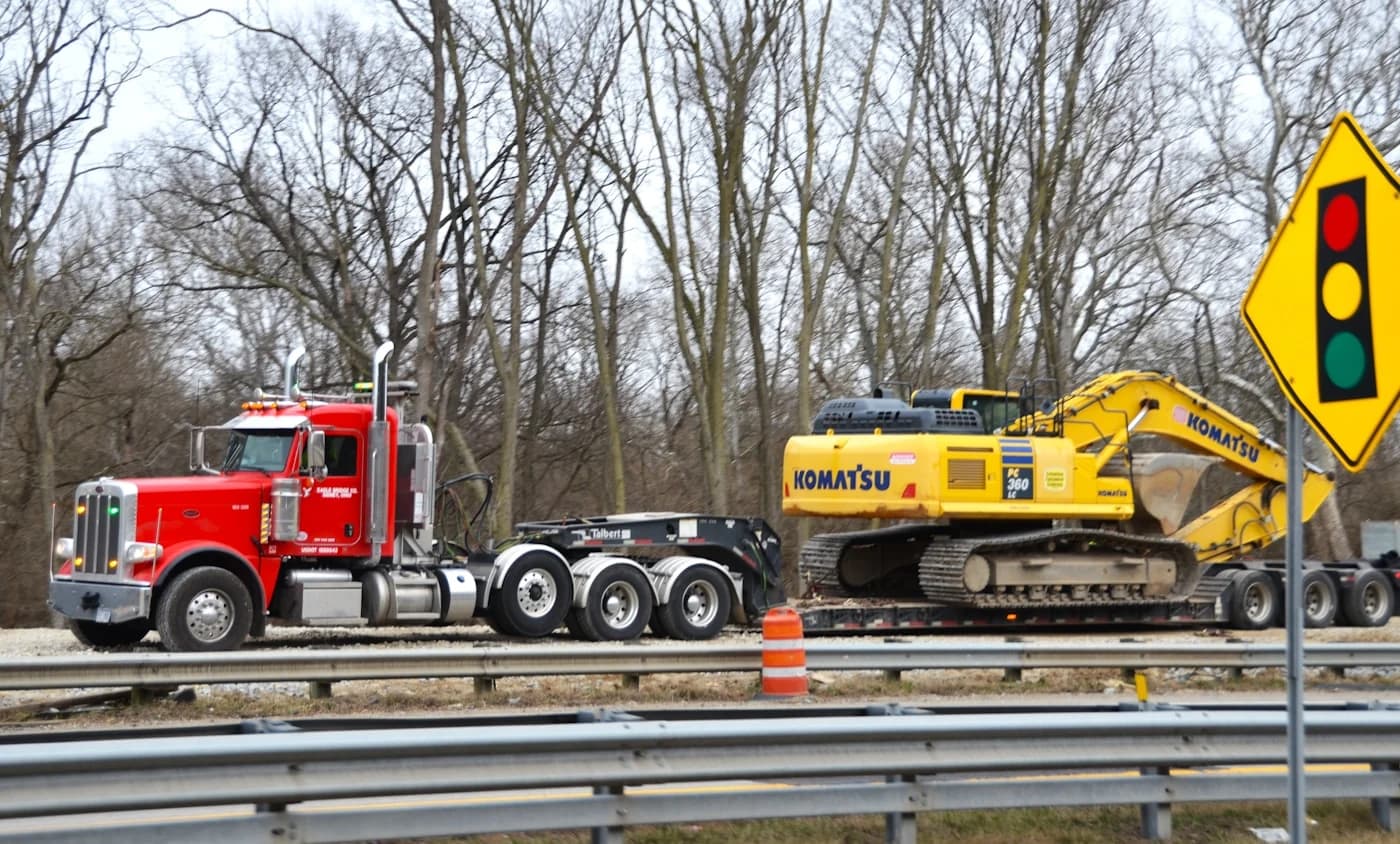
Move machinery, construction equipment, tractors, loaders, and industrial assets.
Learn More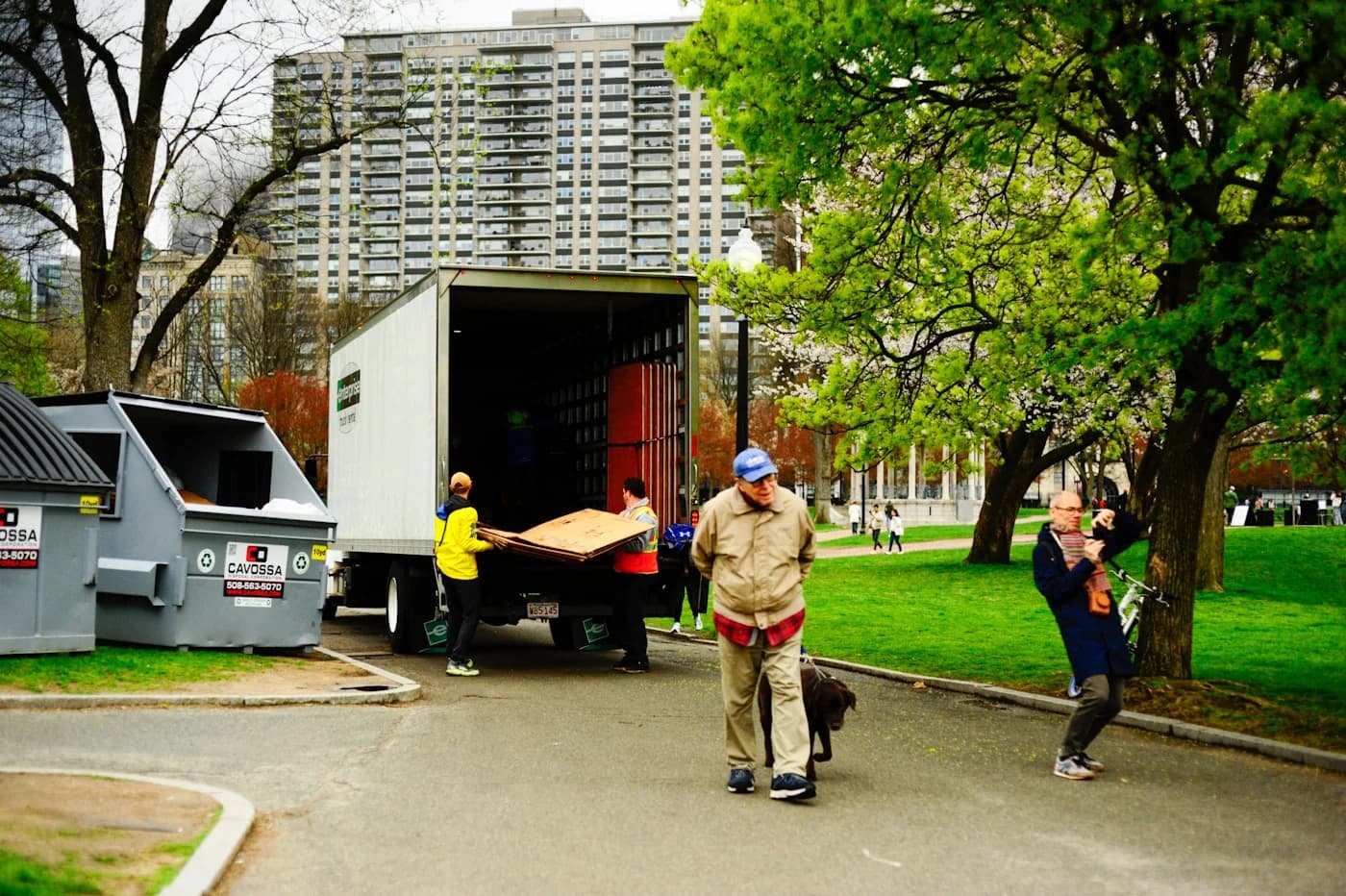
Transport sofas, dining sets, cabinets, antiques, beds, and individual furniture purchases.
Learn More
Move boxes, household goods, partial moves, apartment moves, and residential items.
Learn More
Ship engines, transmissions, wheels, body panels, and automotive components.
Learn More
Coordinate pet transport requests with route, timing, and care notes in one place.
Learn More
For shipments that do not fit one of the primary transport categories.
Learn MoreWhy customers choose Transhipp
Transhipp focuses on quote comparison, communication, and booking details without scattering shipment information across emails and phone notes.
Submit your shipment once and compare transport quotes in one organized workspace.
Review provider information and message before you decide which quote to accept.
Compare multiple available transport options for your shipment details and route.
Keep quotes, messages, booking details, photos, and status updates together.
How Transhipp Works
Customers use one structured flow to share shipment details, compare provider quotes, and keep booking information organized.
Get QuotesChoose a transport category, enter route and shipment details, and add photos when they help providers understand the request.
Transport providers submit quotes. Compare quote amount, timing, provider details, and messages in one place.
Choose the quote that works for you, complete booking details, and track messages and updates through your customer portal.
Transport Services
Each category has a tailored request flow so providers receive the details they need.
Ship cars, SUVs, trucks, classic vehicles, luxury vehicles, and non-running vehicles.
Move motorcycles, scooters, touring bikes, custom bikes, and non-running motorcycles.
Transport boats, personal watercraft, and trailerable vessels with clear route and dimension details.
Move RVs, campers, travel trailers, fifth wheels, and motorhomes.
Transport commercial freight, palletized goods, crates, boxed freight, and equipment.
Move machinery, construction equipment, tractors, loaders, and industrial assets.
Transport sofas, dining sets, cabinets, antiques, beds, and individual furniture purchases.
Move boxes, household goods, partial moves, apartment moves, and residential items.
Ship engines, transmissions, wheels, body panels, and automotive components.
Coordinate pet transport requests with route, timing, and care notes in one place.
For shipments that do not fit one of the primary transport categories.
Customer Experiences
These public experience cards describe the kinds of shipment conversations Transhipp is built to support. They do not claim platform-wide review totals.
A customer can compare quote amounts, timing, provider information, and answers to vehicle-handling questions before choosing an option.
Comparing vehicle quotes
Car Transport
A quote conversation can be used to clarify boat dimensions, trailer condition, pickup access, and timing before booking.
Clarifying trailer details
Boat Transport
Messages, item details, access notes, and booking information can stay connected to the same furniture shipment.
Organizing delivery details
Furniture Delivery
Examples
Public-safe examples show the kind of shipment details customers can submit. They are generic examples, not private booking records.
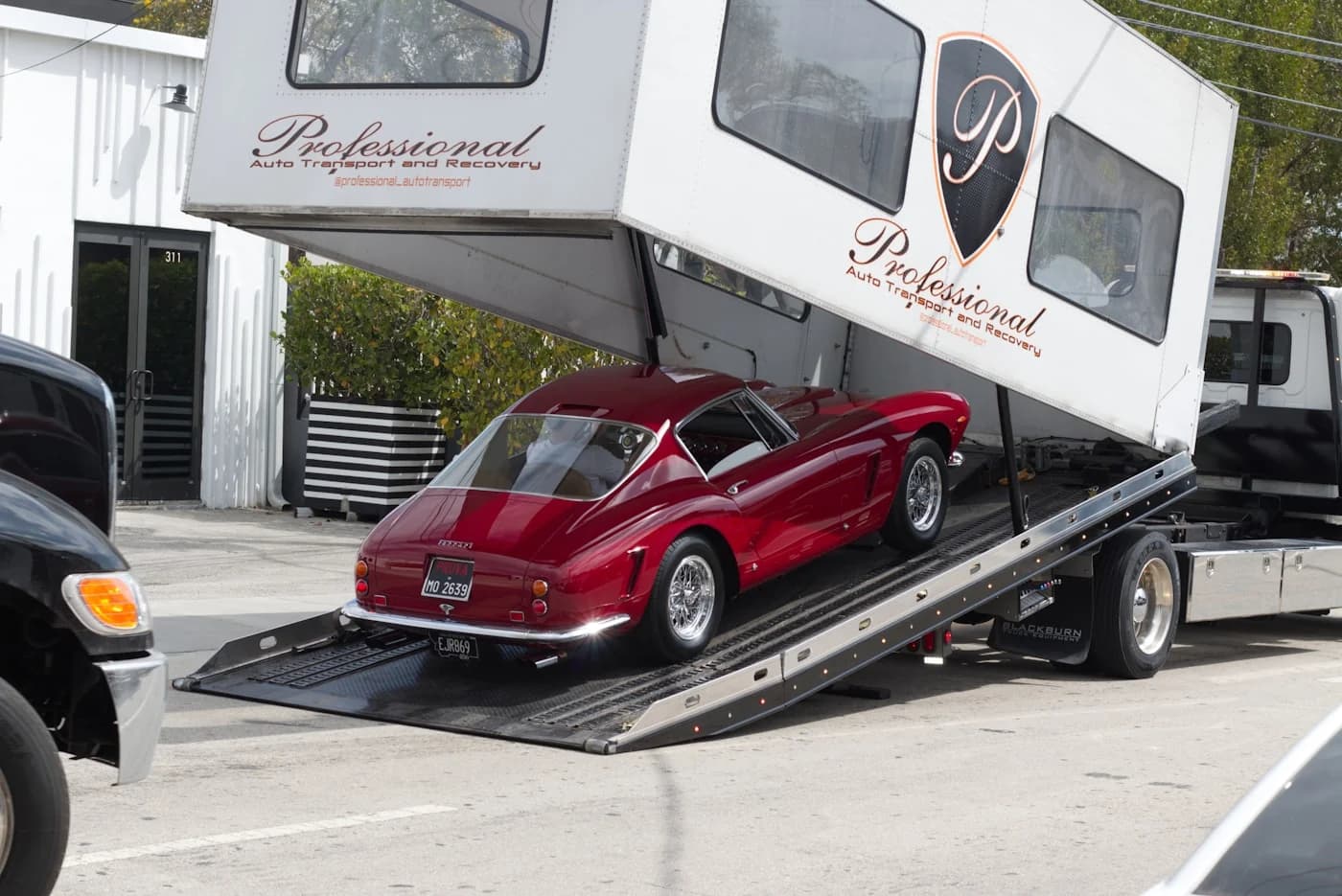
Sacramento, CA to Phoenix, AZ
Operable vehicle with flexible pickup window.

Tampa, FL to Atlanta, GA
Customer included dimensions and trailer notes.

Chicago, IL to Columbus, OH
Commercial pickup with pallet count and weight.
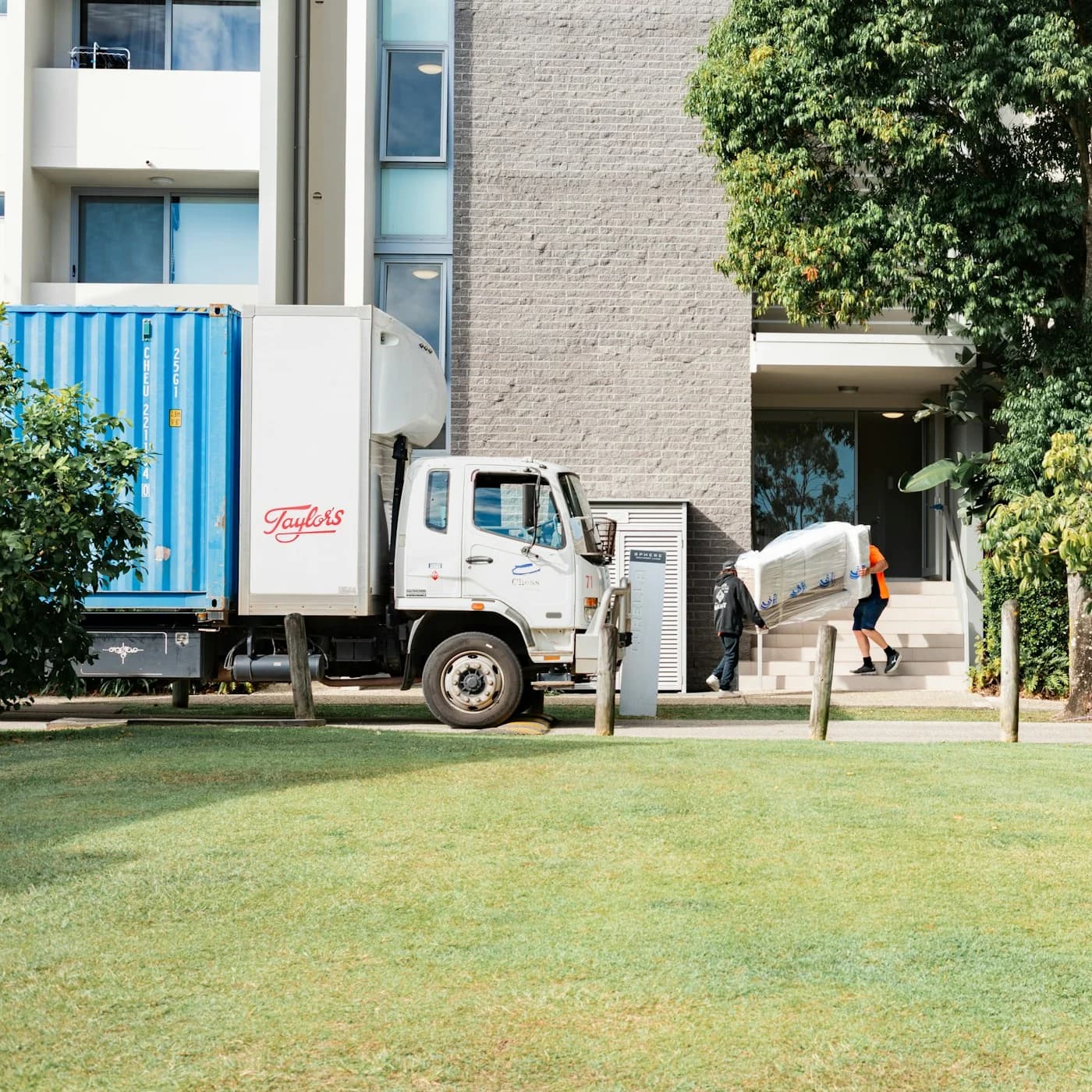
Austin, TX to Dallas, TX
Large dining set with residential access notes.
Service depth
Each service page explains what to include, what details matter, and how to begin the existing quote request flow.
Car TransportShip cars, SUVs, trucks, classic vehicles, luxury vehicles, and non-running vehicles.Motorcycle TransportMove motorcycles, scooters, touring bikes, custom bikes, and non-running motorcycles.Boat TransportTransport boats, personal watercraft, and trailerable vessels with clear route and dimension details.RV & Camper TransportMove RVs, campers, travel trailers, fifth wheels, and motorhomes.Freight & Pallet TransportTransport commercial freight, palletized goods, crates, boxed freight, and equipment.Heavy Equipment TransportMove machinery, construction equipment, tractors, loaders, and industrial assets.Furniture DeliveryTransport sofas, dining sets, cabinets, antiques, beds, and individual furniture purchases.Household Goods & MovingMove boxes, household goods, partial moves, apartment moves, and residential items.Help / FAQ
Helpful answers about requesting, comparing, messaging, and booking transport quotes.
Choose a category, enter shipment details, compare quotes, message providers, and complete booking details when you choose a quote.
Submit one shipment request through the existing quote flow. Active transport providers can then respond with quotes for your route and details.
The number of quotes depends on the shipment and provider availability. Quotes appear in your customer portal as providers respond.
The app supports customer account access for managing shipments, messages, quotes, and bookings after submitting requests.
Yes. You can open a quote conversation to ask questions before accepting a quote.
Compare quote amount, provider information, timing, messages, and shipment details before choosing the quote that works for you.
You complete booking details, the booking is created, and related messages and status updates stay attached to the shipment.
Yes. Shipment photos can be added where supported to help providers understand the item or load.
If details need clarification, use messages and your customer portal to keep information organized around the shipment.
Use the Other category and provide a clear description, route, dimensions, weight, and photos when available.
Status updates are kept with the shipment and booking so customers can review progress in one place.
Providers see the shipment details needed to evaluate and quote the job, such as category, route, item details, timing, and relevant notes.
Use your customer account or contact support if you need help with a submitted request.
Use the contact page to reach the Transhipp team with account, quote, or shipment questions.
Start comparing quotes
Tell us what you need transported and start comparing quotes in one organized place.